Product image basics
In practice, what is pebblely used for?
If you are asking what is pebblely used for, the short answer is creating styled product imagery from a product photo. It helps you explore how an item might look in different visual settings, while keeping the product itself as the focus.
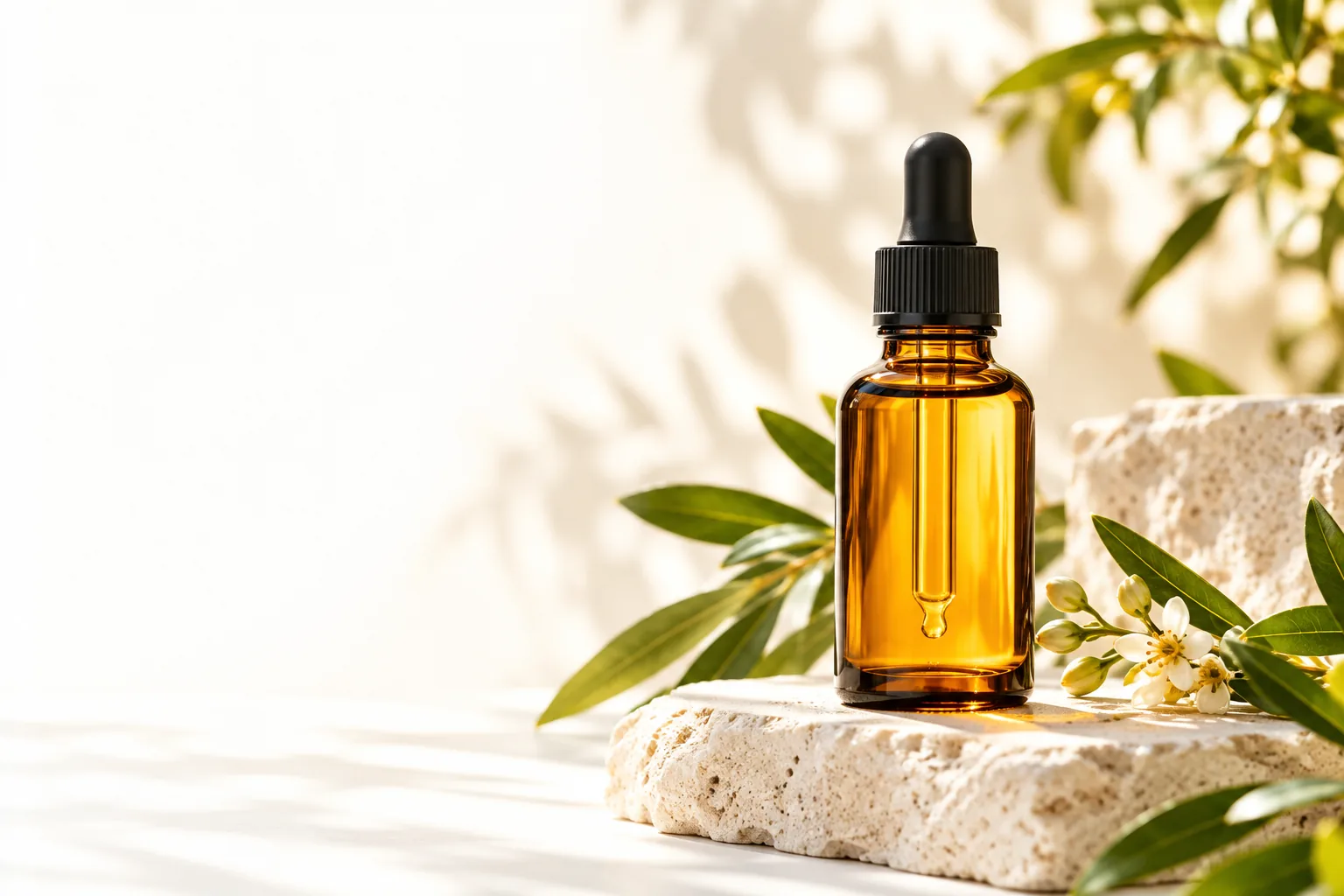
One product photo, more ways to present it
Pebblely is most relevant when you have an item to show but need imagery with more context than a plain product shot provides. The intended use is visual presentation, not a replacement for checking whether every product detail remains accurate.
Three steps from product photo to visual concept
A useful Pebblely workflow starts with a recognizable product, moves through a setting choice, and ends with a careful review. The scene is only useful if the item still looks like the one you sell.
-
1
Start with a clear product image
Choose a photo that makes the item's outline, color, packaging, and important markings easy to inspect. A clean source gives you a reference for judging later variations; it does not guarantee that a generated scene will preserve every feature.
-
2
Explore a setting with a purpose
Think about where the image will be used before choosing a visual direction. A skincare item might call for a calm editorial scene, while a home accessory may need a room setting that communicates scale and intended use.
-
3
Review the result against the original
Compare the new image with the source, especially labels, proportions, materials, and small components. Keep a version only when its atmosphere supports the product without making it look like a different item.
Where styled product imagery has limits
Pebblely can be useful for exploring presentation ideas, but a persuasive image is not automatically an accurate product record. Treat each result as something to inspect before publishing.
-
Fine details may change
Generated imagery can alter text, seams, logos, controls, or other details that buyers rely on. This matters most when a close-up must establish exactly what the customer will receive.
WorkaroundCheck every important feature against an original photograph, and use a verified product shot when exact details are essential.
-
A setting does not prove real-world scale
Furniture, jewelry, and packaged goods can appear differently sized depending on the surrounding scene. A styled composition should not be the only evidence for dimensions or fit.
WorkaroundPair atmospheric images with measurements and scale references captured or verified separately.
-
Visual appeal does not clear usage rights
A scene may contain unexpected objects, marks, or visual similarities that need human review. Pebblely imagery still calls for the same editorial and brand checks as other marketing assets.
WorkaroundInspect the complete frame and confirm that the final image suits your intended publication context.
What a source photo and a styled scene each provide
These two image types answer different questions. Pebblely makes the most sense when a styled scene complements, rather than displaces, clear evidence of the product itself.
Original product photo
Styled product scene
Primary job
Original product photo
Document the item as photographed.
Styled product scene
Suggest a setting or mood for the item.
Background
Original product photo
Whatever was present during the shoot.
Styled product scene
A composed environment selected for the visual concept.
Product detail
Original product photo
Provides a direct reference when the photograph is clear.
Styled product scene
Needs checking against that reference before use.
Best question answered
Original product photo
What does this particular item look like?
Styled product scene
How might this item be presented?
Typical role
Original product photo
Identification, detail inspection, and factual reference.
Styled product scene
Campaign concepts, editorial layouts, and visual variety.
Main review risk
Original product photo
Lighting or framing may hide an important feature.
Styled product scene
A convincing scene may still misrepresent a feature.
Turn a product-photo idea into a visual direction
Explore how your product could be presented
Use Pebblely as a starting point for thinking about scenes, then judge any image against the real item and the place you plan to publish it. Keep the source photo nearby so visual variety does not come at the expense of accuracy.
Explore product imagery- Start with the product's defining details
- Choose a setting that serves its purpose
- Review the final image before publication
Questions about what Pebblely is used for
Pebblely is used to explore styled imagery for products, starting from a product photo and placing the item in a more considered visual setting. Common goals include testing presentation ideas and creating variety for marketing imagery. The resulting image should still be checked against the actual product.
Not necessarily. Pebblely can help develop scene ideas, but an original photograph remains valuable for confirming the item's exact appearance. For details such as labels, materials, and dimensions, use reliable source images and product information alongside any styled result.
Products whose appeal depends partly on context, such as home goods, skincare, or accessories, may benefit from images that suggest a setting or mood. The strongest choice depends on what customers need to understand about the specific item. A plain, accurate image may still be the better primary image.
Compare it closely with the original product photo and look for changes to color, shape, text, and distinguishing features. Then check whether the background and overall impression fit your intended use. Do not publish a polished scene if it creates a misleading expectation about the product.